


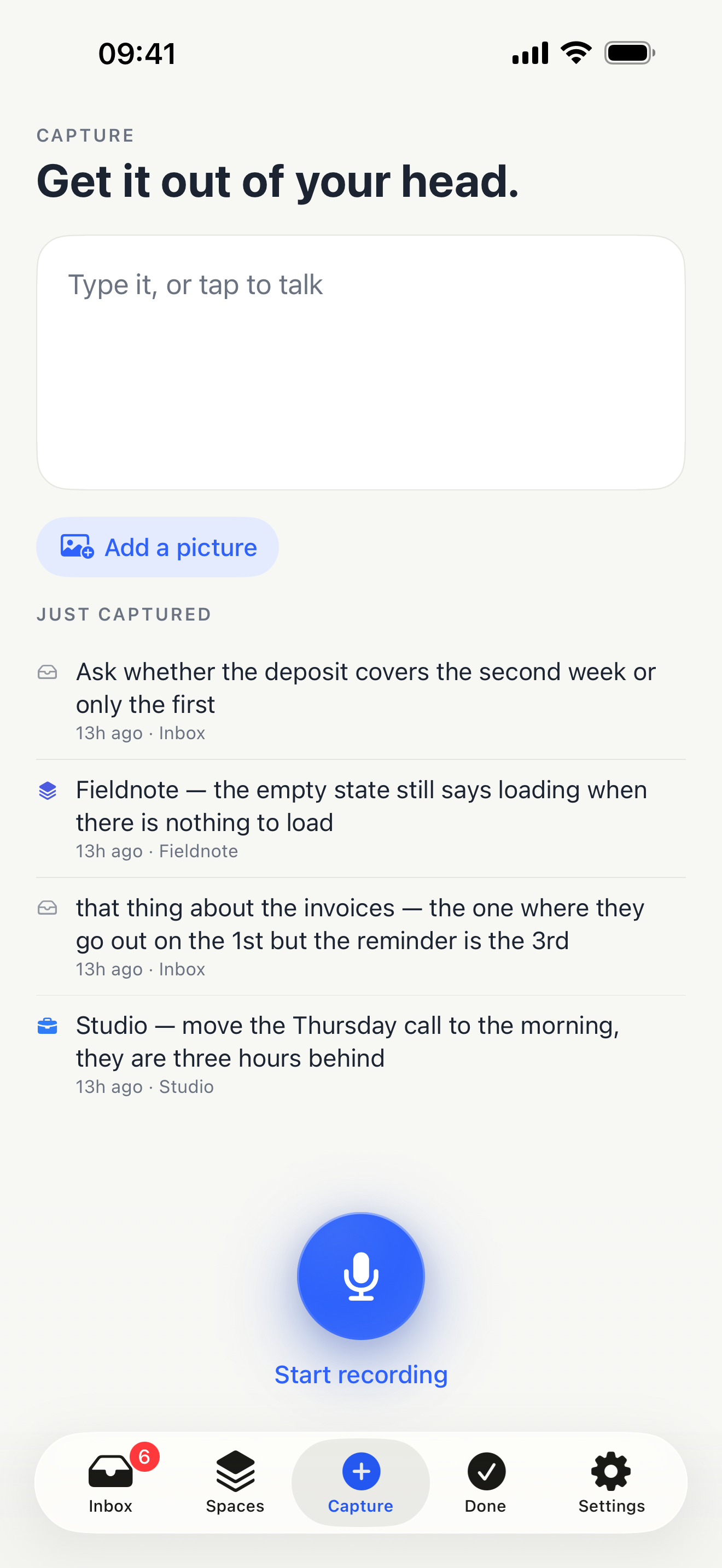
One tap
Press it, and start talking.
Tap again to stop. The word “saved” appears only once the note has actually been written down, so a tick never means something that did not happen.
Apple’s dictation does the listening, on the device, and punctuates as it goes. A pause in the middle of a sentence does not end the recording or lose what came before it, and it carries on when the screen locks — which is what a thought worked out while driving needs.
Or do not touch it at all: “Hey Siri, capture this” opens the app and starts listening. There is a Home Screen widget and a Lock Screen one, and you can share text, a link or pictures in from any app.
If you say nothing, nothing is saved. If you say something the recogniser cannot make out, the recording is kept, because losing the words should never mean losing the thought.
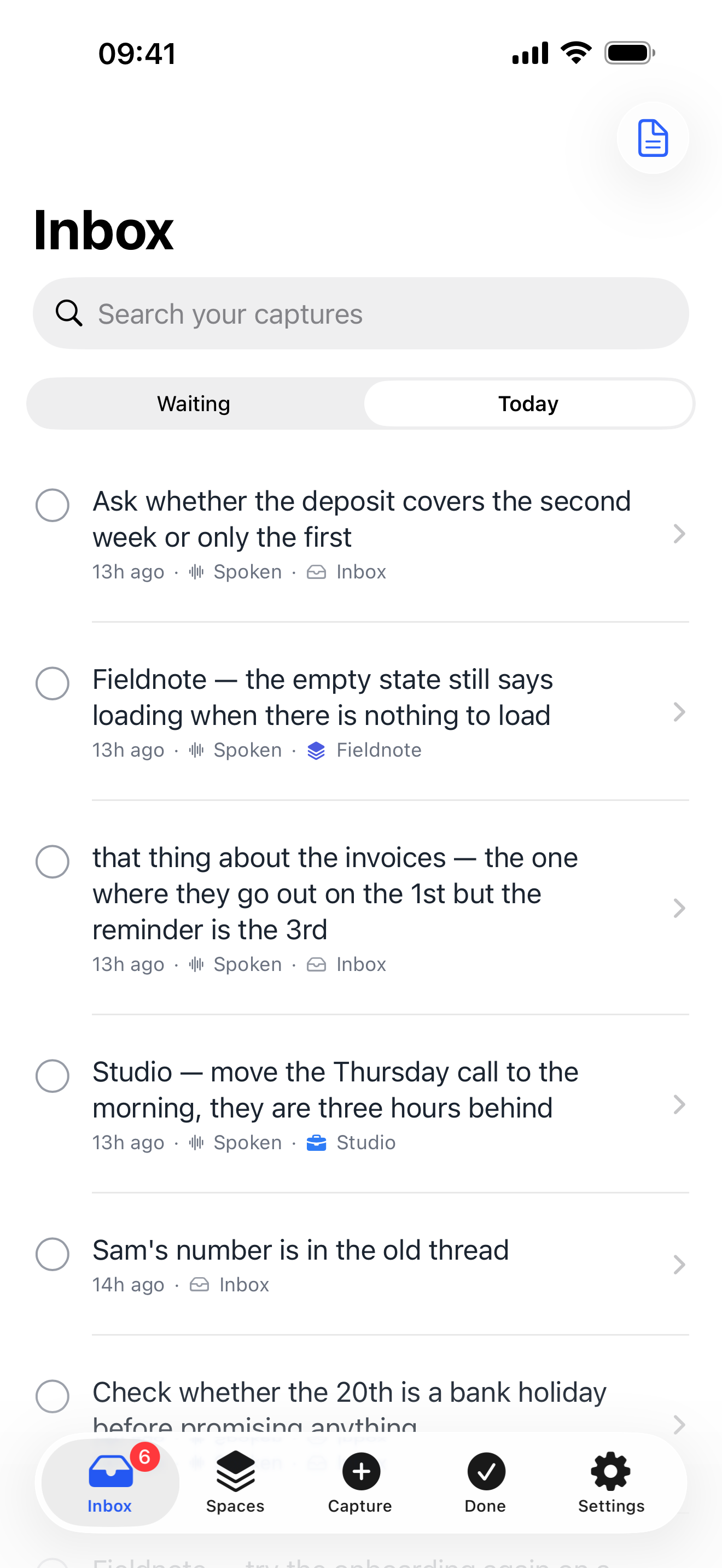
Today
A day’s thinking, in one place.
Everything you captured today, across every project, without opening each one to go and find it. The Inbox keeps what is still unfiled; Today shows the lot, wherever it ended up.
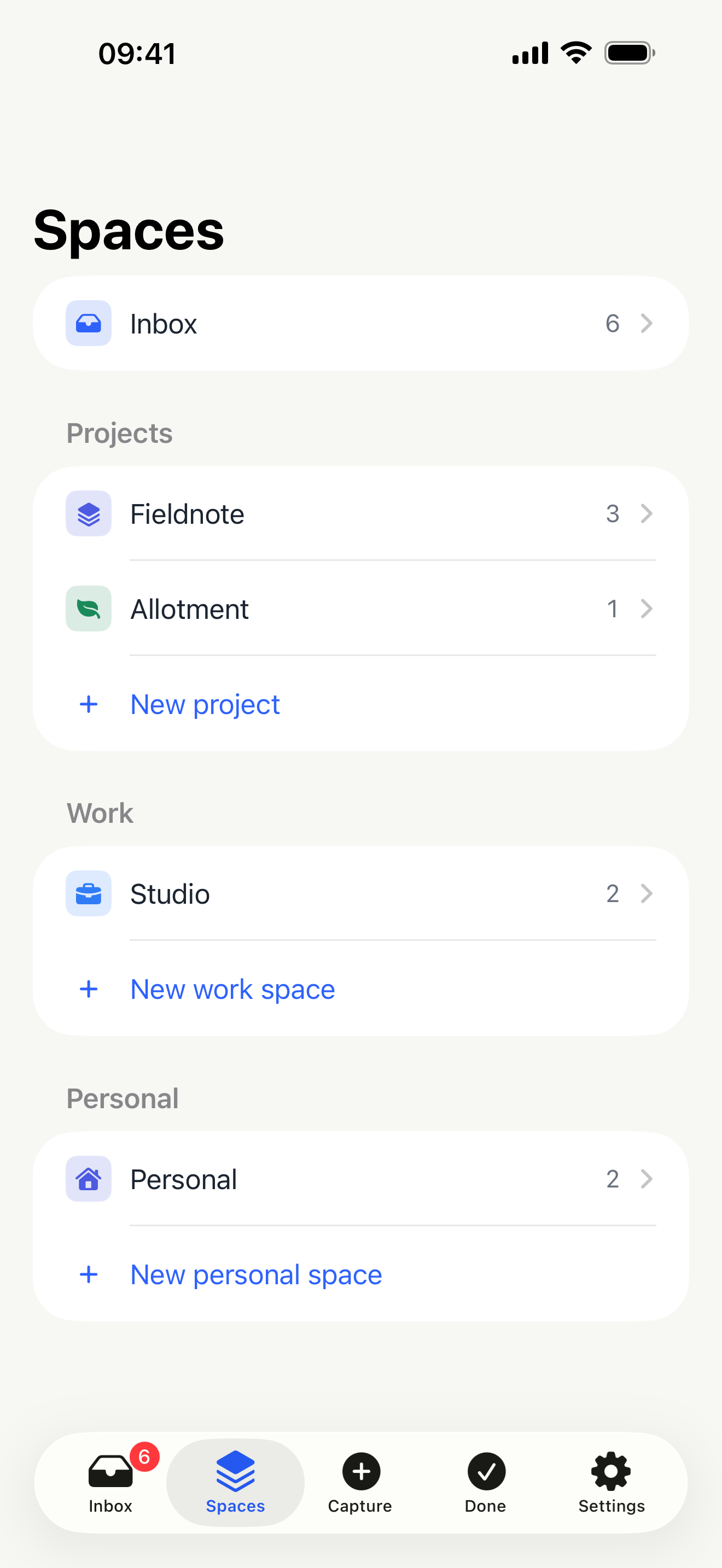
No filing
It files itself, and it never guesses.
Start a note with a project’s name and it goes there. Give a project other names it answers to and those work too. If nothing matches, or two projects answer to the same word, the note waits in your Inbox — and every note tells you why it landed where it did.
A project named after an everyday word, like Home, only takes a note when you put the name first. “On the way home” is not a filing instruction, and a note in the wrong project is worse than one in the Inbox.
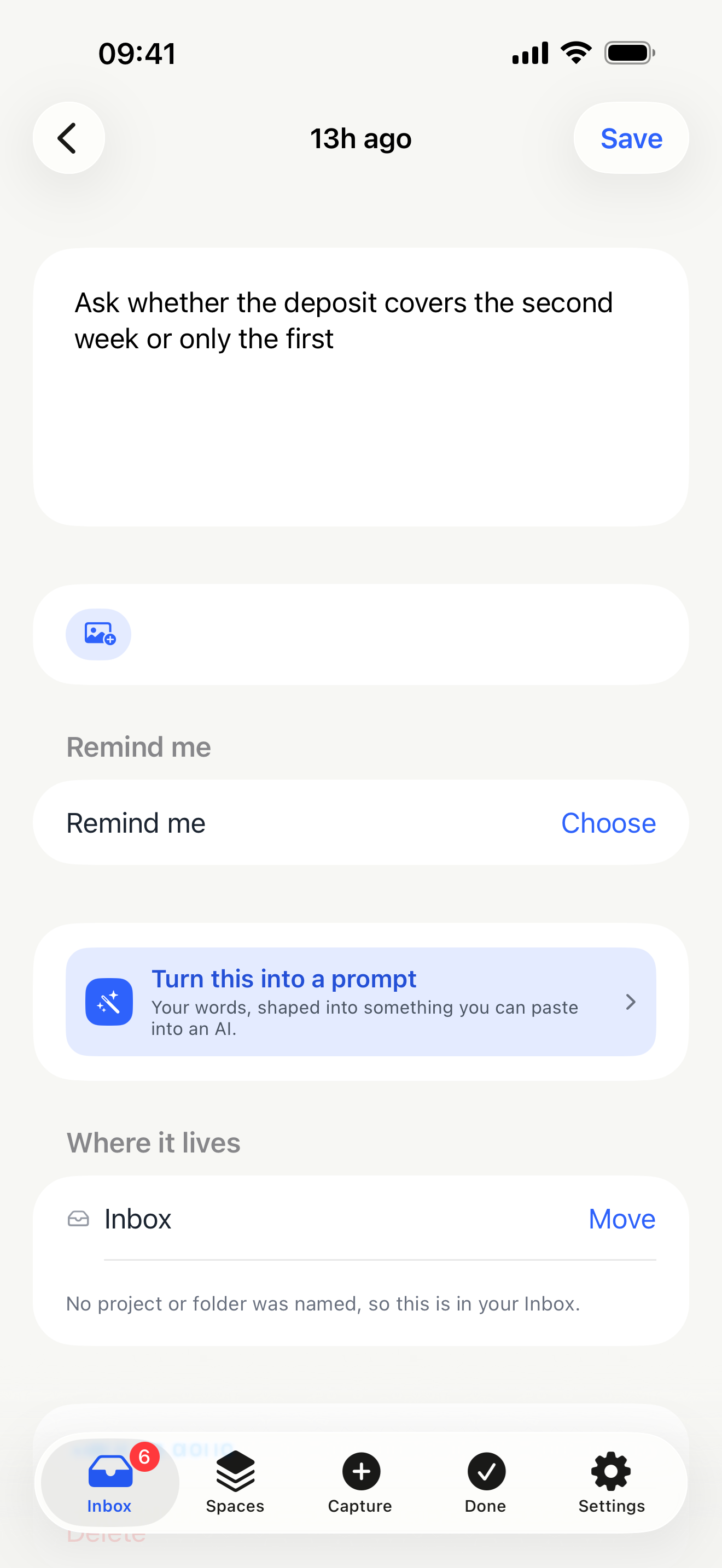
Afterwards
A thought you can actually use.
Open a note and set a reminder on it — ten minutes, an hour, this evening, tomorrow morning, or a time you pick. There is a daily line too, if you want one, saying what went in today.
Turn it into a prompt you can paste into an AI, tidied by Apple’s own model on the device. Your original words are never written over: the version that first arrived is kept underneath, always.
Where it keeps things
On your device, and nowhere else.
No account. No signal needed. Nothing is sent to us, because there is nothing to send it to — the app contains no code that talks to the internet at all.
Dictation is required to run on your device, not merely preferred. On the rare device that cannot manage it, the app says so and you type instead, rather than quietly sending your recording away to get around the limitation.
The full privacy policy is worth two minutes. It is written in plain words and is exact about the part most policies get wrong.
The details
- Price
- Free
- Subscription
- None
- Advertising
- None
- Account
- None
- Works offline
- Entirely
- Dictation
- British English, on the device
- Longest recording
- 45 minutes
- Backups
- Daily, on your phone, in Files
- Runs on
- iPhone and iPad
- Syncs between devices
- Not in this version
Tidying a note into something you can paste into an AI runs on Apple’s own model, on your device. It costs nothing to run, so it costs nothing to use. There is no Android version and no web version.

Nothing gets in the way.
Capture Rocket is coming to the App Store for iPhone and iPad.